
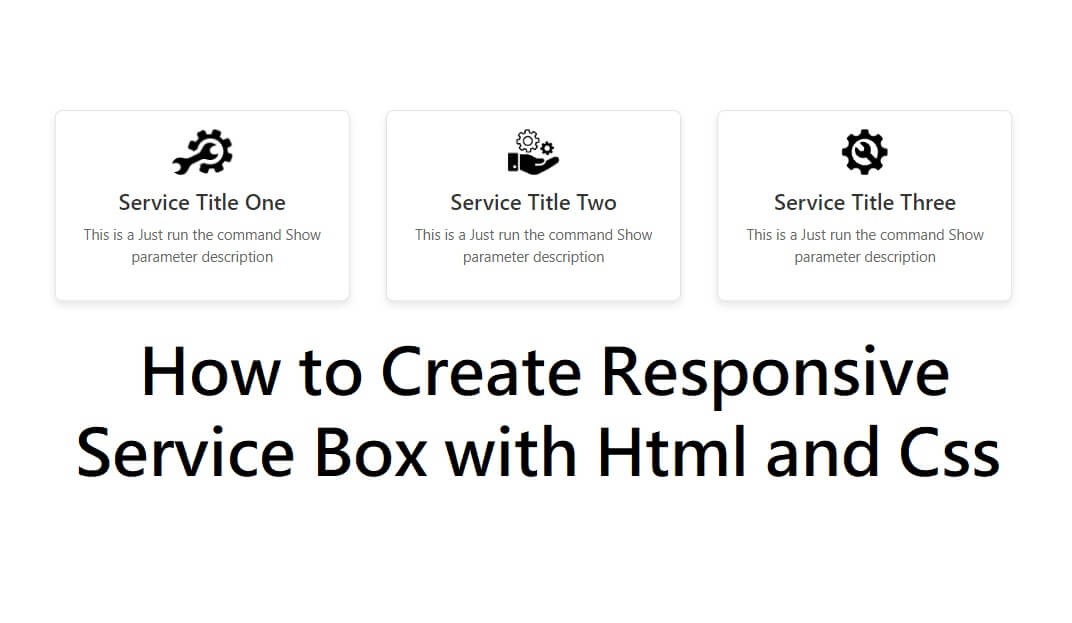
How to Create Mobile Responsive Service Box with HTML and CSS
In modern web design, mobile responsiveness is no longer optional—it’s a necessity. One of the most commonly used UI components on websites is a service box, used to showcase services, features, or offerings in a visually appealing way.
In this tutorial, you’ll learn how to create a mobile responsive service box using only HTML and CSS, without any frameworks. This layout will automatically adjust for desktops, tablets, and mobile devices.
Why Use a Responsive Service Box?
A responsive service box helps you:
Improve user experience on mobile devices
Increase engagement and readability
Make your website look professional and modern
Boost SEO and page performance
Key Features of Our Service Box Design
Fully mobile responsive
Clean and modern UI
Easy to customize
No JavaScript required
Lightweight and fast loading
How This Responsive Design Works
Desktop: Service boxes appear in a row
Tablet & Mobile: Service boxes stack vertically
Flexible Width: Automatically adjusts to screen size
Smooth Hover Effects: Enhance user interaction
Best Practices for Responsive Service Boxes
Always use the viewport meta tag
Prefer Flexbox or CSS Grid
Avoid fixed widths
Keep content concise
Test on multiple devices
Conclusion
Creating a mobile responsive service box with HTML and CSS is simple and highly effective for modern websites. By using Flexbox and media queries, you can design layouts that look great on all screen sizes without relying on heavy frameworks.
This approach improves user experience, performance, and SEO, making it ideal for portfolios, business websites, and landing pages.