
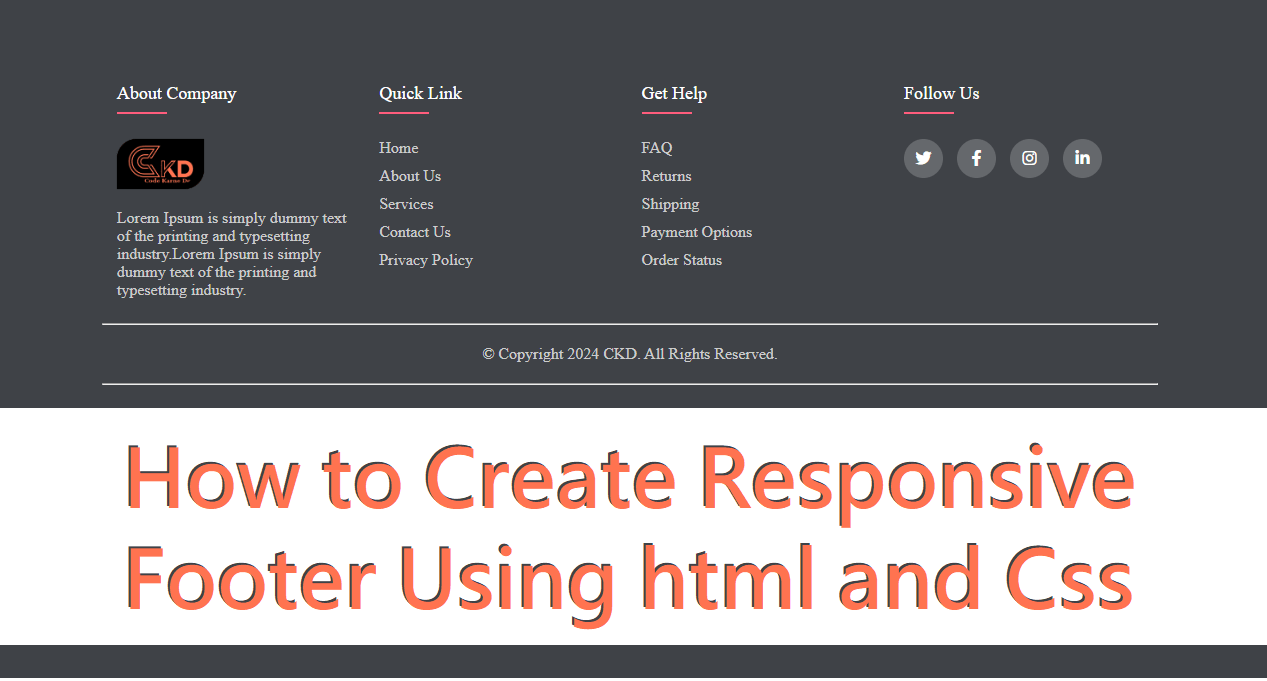
How to Create a Responsive Footer Using HTML and CSS
A footer is an essential part of any website. It usually contains important information like navigation links, contact details, social media icons, and copyright text. A responsive footer ensures that your website looks clean and professional on all screen sizes, including mobiles, tablets, and desktops.
In this blog, you’ll learn how to create a responsive footer using HTML and CSS step by step.
Why a Responsive Footer Is Important
A responsive footer improves both user experience and SEO. When your footer adapts smoothly to different screen sizes, visitors can easily access important links without zooming or scrolling unnecessarily.
Benefits of a Responsive Footer:
Works perfectly on mobile and desktop
Improves website usability
Enhances website design consistency
Helps with SEO and accessibility
Looks professional and modern
Basic Structure of a Footer in HTML
The HTML structure of a footer should be clean and semantic. Using proper tags helps search engines understand your website better.
Common sections in a footer include:
About section
Quick links
Contact information
Social media links
Copyright text
HTML provides the <footer> tag, which is specifically designed for this purpose.
Styling the Footer Using CSS
CSS is used to design and arrange footer elements. Modern layouts use Flexbox or CSS Grid to make the footer responsive.
Key styling techniques:
Flexbox for layout alignment
Media queries for responsiveness
Padding and margins for spacing
Background colors and typography for readability
Making the Footer Responsive
Responsiveness is achieved by adjusting the layout based on screen size.
Important Techniques:
Use display: flex with flex-wrap
Stack footer sections vertically on small screens
Adjust font size and spacing for mobile devices
Use percentage widths instead of fixed values
Example: Responsive Footer Layout (Concept)
A typical responsive footer layout:
Desktop view: 3–4 columns aligned horizontally
Tablet view: 2 columns per row
Mobile view: All sections stacked vertically
This approach ensures the footer looks balanced on all devices.
Best Practices for Responsive Footers
Keep content minimal and useful
Use readable font sizes
Avoid overcrowding links
Make social icons touch-friendly
Test footer on different screen sizes
Common Mistakes to Avoid
Using fixed widths
Ignoring mobile users
Poor color contrast
Too many links in one section
Not using semantic HTML tags
Final Thoughts
Creating a responsive footer using HTML and CSS is simple when you follow a structured approach. A well-designed footer improves website navigation, boosts user engagement, and strengthens your overall site design. By using Flexbox, media queries, and clean HTML structure, you can build a footer that looks great on any device.