Snowfall Animation for Website Backgrounds: Enhance User Experience with Winter Magic
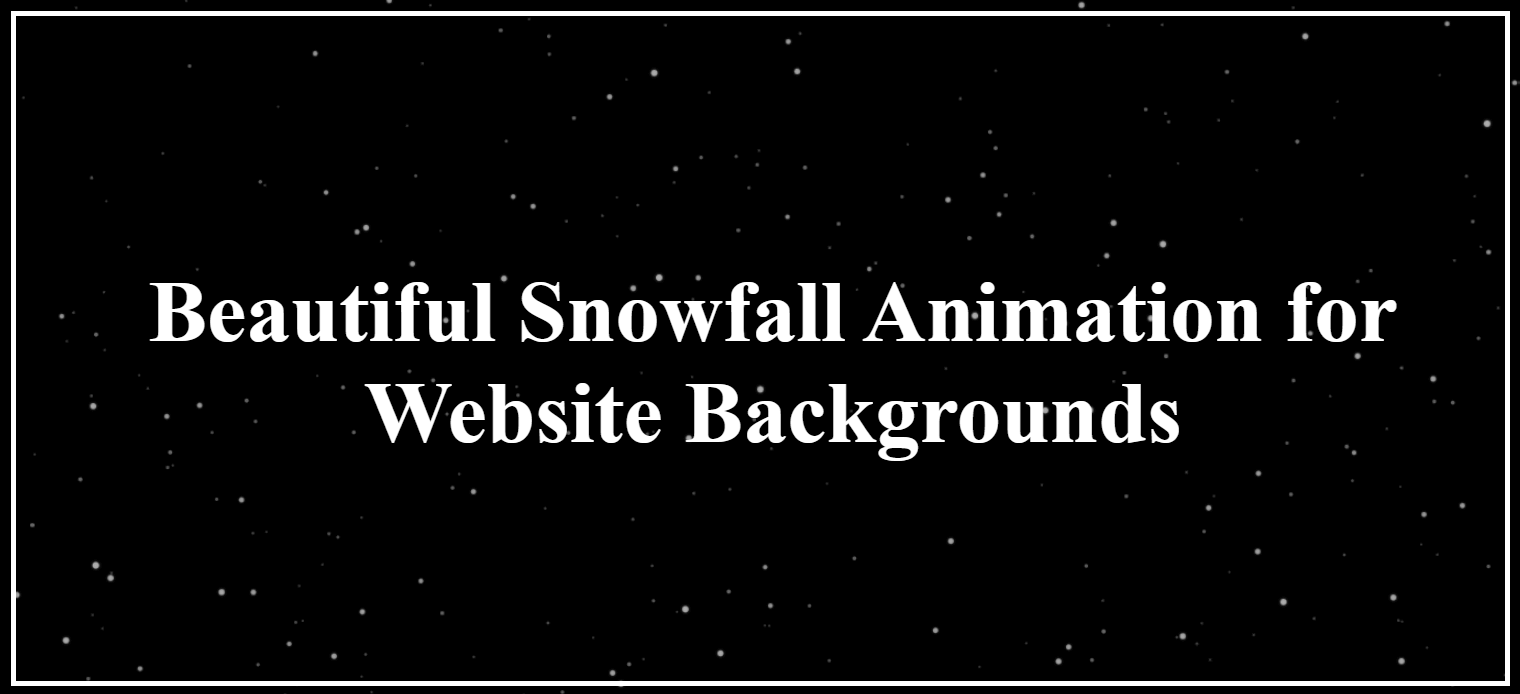
In the world of modern web design, visual appeal plays a vital role in capturing user attention. One popular design trend that continues to impress visitors is snowfall animation for website backgrounds. This subtle yet attractive effect adds a sense of elegance, seasonality, and interactivity, making websites more engaging and memorable.
What Is Snowfall Animation for Website Backgrounds?
Snowfall animation is a visual effect where animated snowflakes gently fall across a website screen, mimicking a natural snowfall. This animation is usually created using CSS, JavaScript, HTML5 Canvas, or WebGL, allowing smooth performance across devices. The effect can be customized in terms of speed, size, opacity, and density to match the website’s theme.
Why Use Snowfall Animation on Your Website?
1. Improves Visual Appeal
Snowfall animations instantly create a festive and cozy atmosphere. They are especially effective during winter seasons, Christmas, New Year celebrations, or holiday campaigns.
2. Enhances User Engagement
Interactive backgrounds encourage users to spend more time on your website. A visually pleasing snowfall animation can reduce bounce rates and improve overall user experience.
3. Seasonal Branding Advantage
Using snowfall animation during holidays helps align your website with seasonal trends, making promotions and offers more impactful.
4. Lightweight and Customizable
Modern snowfall animations are optimized for performance. They can be lightweight, mobile-friendly, and easily controlled with user settings such as pause or disable options.
Best Practices for Using Snowfall Animation
Keep it subtle: Avoid overly dense or fast snow effects that distract users.
Optimize performance: Use lightweight scripts to prevent slow loading.
Mobile responsiveness: Ensure animations scale properly on mobile devices.
User control: Allow users to disable the animation if needed.
Theme compatibility: Match snow colors and styles with your brand design.
How Snowfall Animation Impacts SEO
While snowfall animation itself does not directly affect SEO rankings, it contributes to user experience metrics like time on site and engagement. A positive user experience can indirectly support SEO by reducing bounce rates and increasing interaction.
However, it is essential to ensure animations do not slow down page speed, as performance is a key ranking factor.
Where Snowfall Animation Works Best
Corporate websites during festive seasons
E-commerce stores for holiday sales
Real estate or luxury brand websites
Landing pages and promotional microsites
Personal blogs and portfolios
Conclusion
Snowfall animation for website backgrounds is a creative way to add charm and seasonal warmth to your digital presence. When implemented thoughtfully, it enhances aesthetics without compromising performance or usability. Whether you want to create a festive vibe or simply elevate your website’s design, snowfall animation can be a powerful visual tool.