
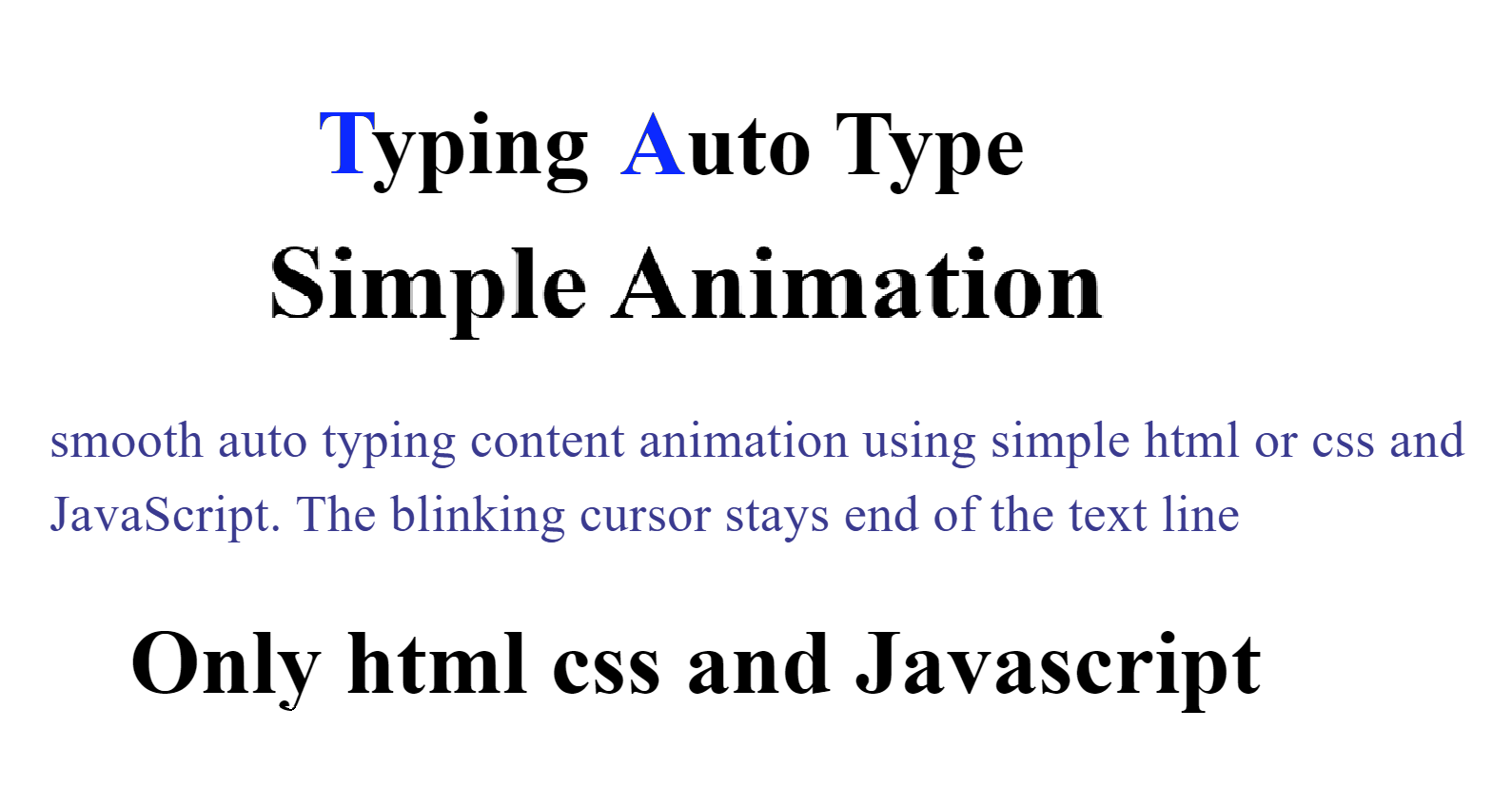
Typing Text Auto Type Simple Animation Using Only HTML, CSS, and JavaScript
Typing text animation is a popular visual effect used on modern websites to grab user attention and improve engagement. You often see this effect on landing pages, portfolios, banners, and hero sections where text appears letter by letter, just like someone is typing on a keyboard.
In this blog, we’ll learn how to create a typing text auto type animation using only HTML, CSS, and JavaScript, without any external libraries. This lightweight approach ensures fast loading speed and full customization for your project.
What Is a Typing Text Animation?
A typing text animation is a dynamic effect where text appears one character at a time, mimicking real typing. It is commonly used to:
Highlight skills or services
Showcase multiple messages in a single space
Improve user interaction and visual appeal
This animation is especially useful for developers, bloggers, startups, and portfolio websites.
Why Use Only HTML, CSS, and JavaScript?
Using pure HTML, CSS, and JavaScript has several advantages:
No external dependencies
Fast performance
Easy to customize
Beginner-friendly code
Works on all modern browsers
You don’t need frameworks or plugins, making it ideal for small projects and learning purposes.
How the Typing Animation Works
The concept behind typing animation is simple:
JavaScript stores the text in a variable
Characters are added one by one using a timer
The text updates dynamically inside an HTML element
CSS enhances the look with fonts, colors, and cursor effects
Basic HTML Structure
HTML provides a container where the typing text will appear. A <span> or <div> is commonly used for this purpose.
The structure remains clean and minimal, allowing JavaScript to control the animation logic.
Styling the Animation with CSS
CSS helps make the typing effect visually appealing. You can:
Choose modern fonts
Add a blinking cursor effect
Control text size and color
Align the text properly
A blinking cursor greatly improves realism and user experience.
Adding Typing Logic Using JavaScript
JavaScript handles the core animation logic. It:
Loops through the text
Displays characters one by one
Controls typing speed
Allows multiple words or looping effects
You can easily adjust typing speed, delay, or even add a deleting effect for advanced animations.
Use Cases of Typing Text Animation
Typing animations are widely used in:
Website hero sections
Developer portfolios
Landing pages
Marketing banners
Personal blogs
SaaS product websites
This animation helps convey multiple messages in a limited space without clutter.
Performance and SEO Benefits
Because this animation uses plain JavaScript, it doesn’t slow down your website. Search engines can still read the content, making it SEO-friendly when implemented correctly.
Always ensure:
Important text is visible
Animation doesn’t hide critical information
Page load speed remains optimized
Final Thoughts
Creating a typing text auto type animation using only HTML, CSS, and JavaScript is simple, effective, and highly customizable. It enhances your website’s visual appeal while keeping the code lightweight and easy to manage.
Whether you’re a beginner learning JavaScript or a professional building interactive UI components, this animation is a must-have skill in modern web development.